Transcribe audio to text
With Voice2Text, you get fast, accurate transcripts with no time limits.
or drag and drop your file here
You can also copy and paste the URL
Loading...
Cancel upload
By uploading an audio or URL, you agree to our Terms of Service. For more information on how Voice2Text uses your personal data, see our Privacy Policy.
Transcribe to text in three simple steps
Voice2Text provides you fast, accurate, and ready-to-use transcripts.

Step 1
Upload your file
Drag and drop your audio or video file.
Supported file types: mp3, mp4, m4a, mov, aac, wav, ogg, flac, and webm.

Step 2
Start transcription
Wait for the transcription to finish.
You can review and edit the transcription text at any time.
Step 3
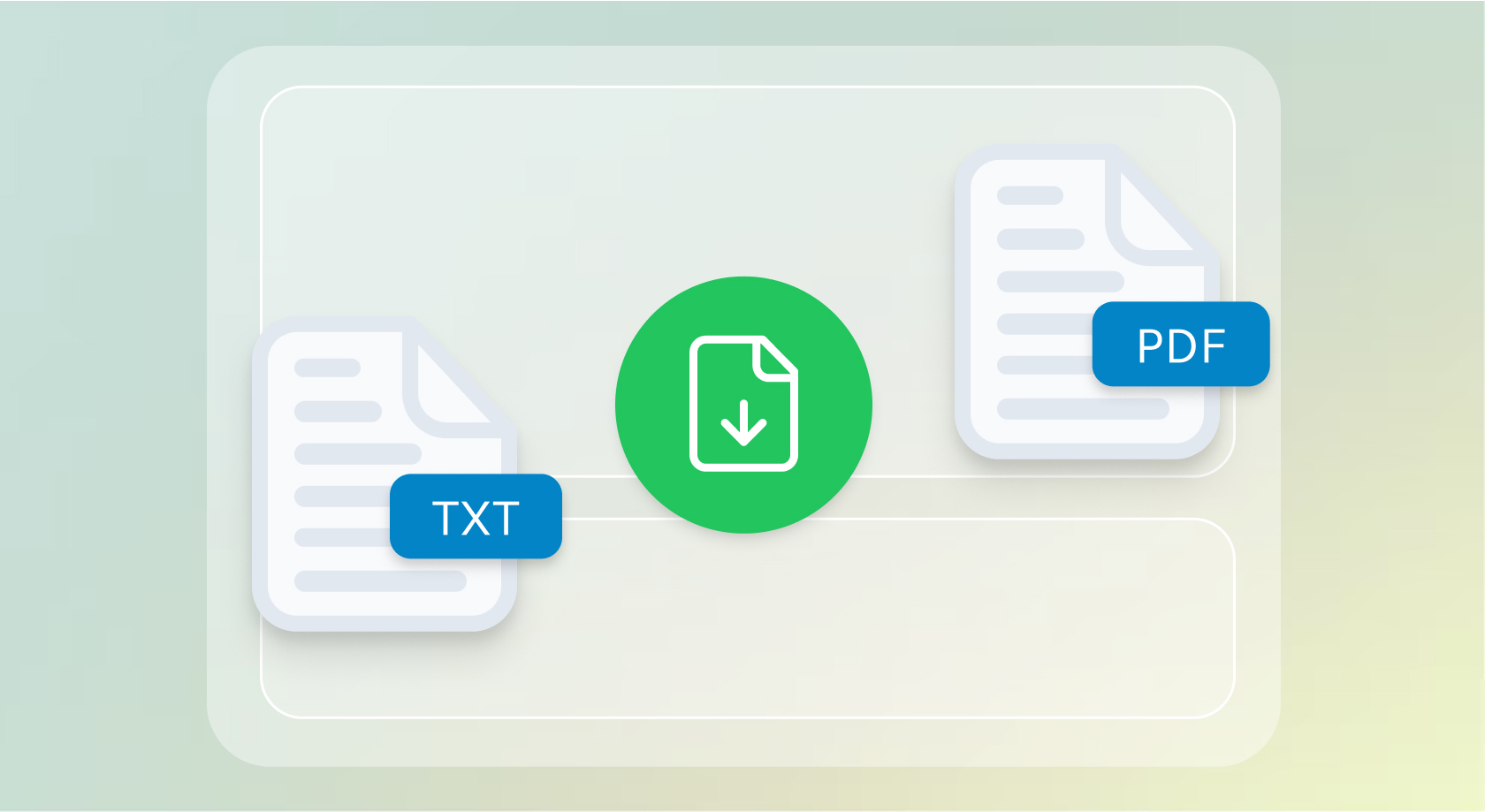
Download and share
Now you can download the transcript and share it with your audience.
Transcribe without complications
Voice2Text provides you fast, accurate, and ready-to-use transcripts.
Transcriptions without limits
Audio and video transcribed to text in seconds
With voice2text you get fast, accurate transcripts with no time limits.

Flexibility and precision
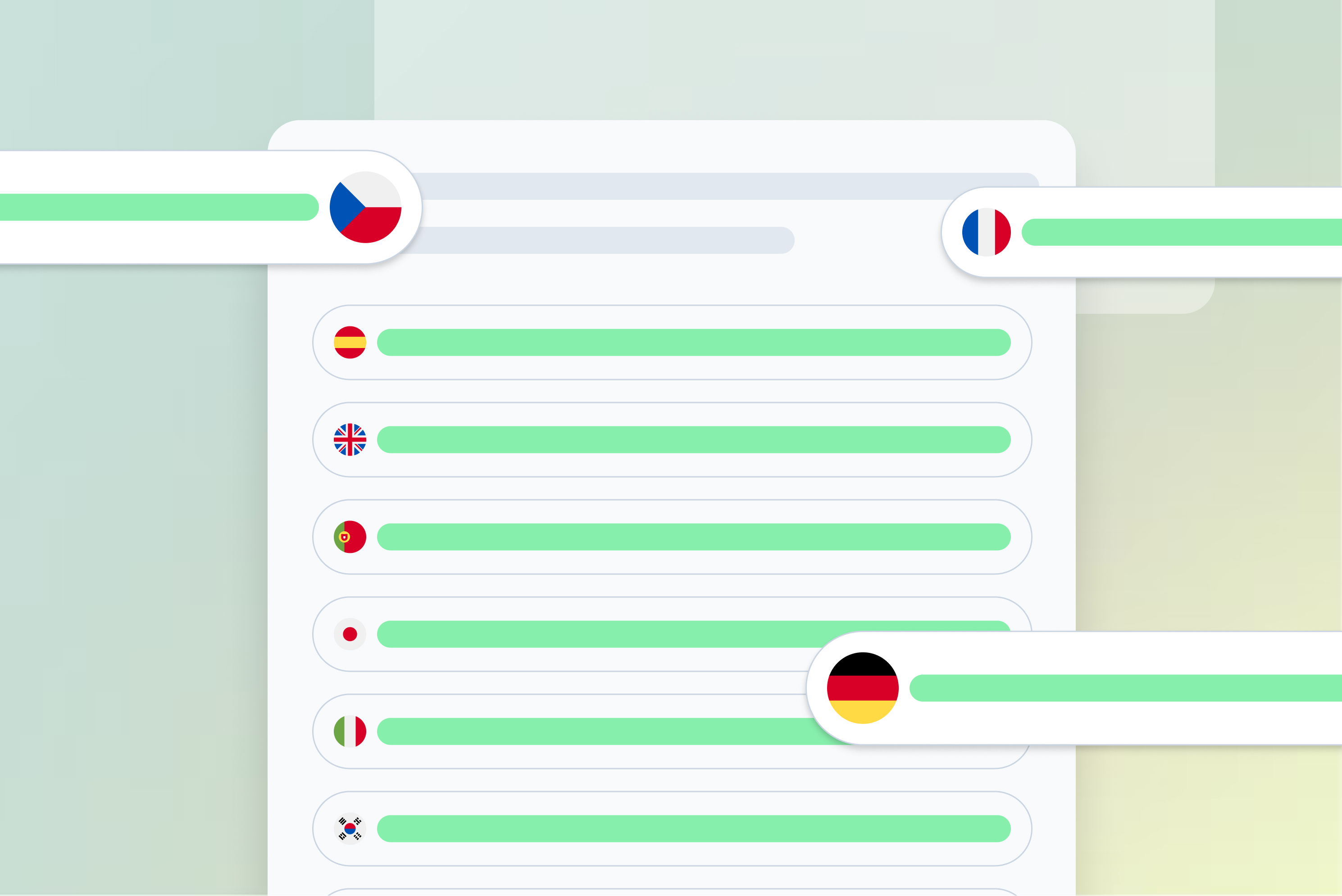
Transcribe from more than 90 languages
With voice2text you can transcribe from more than 90 languages.
Export and share easily
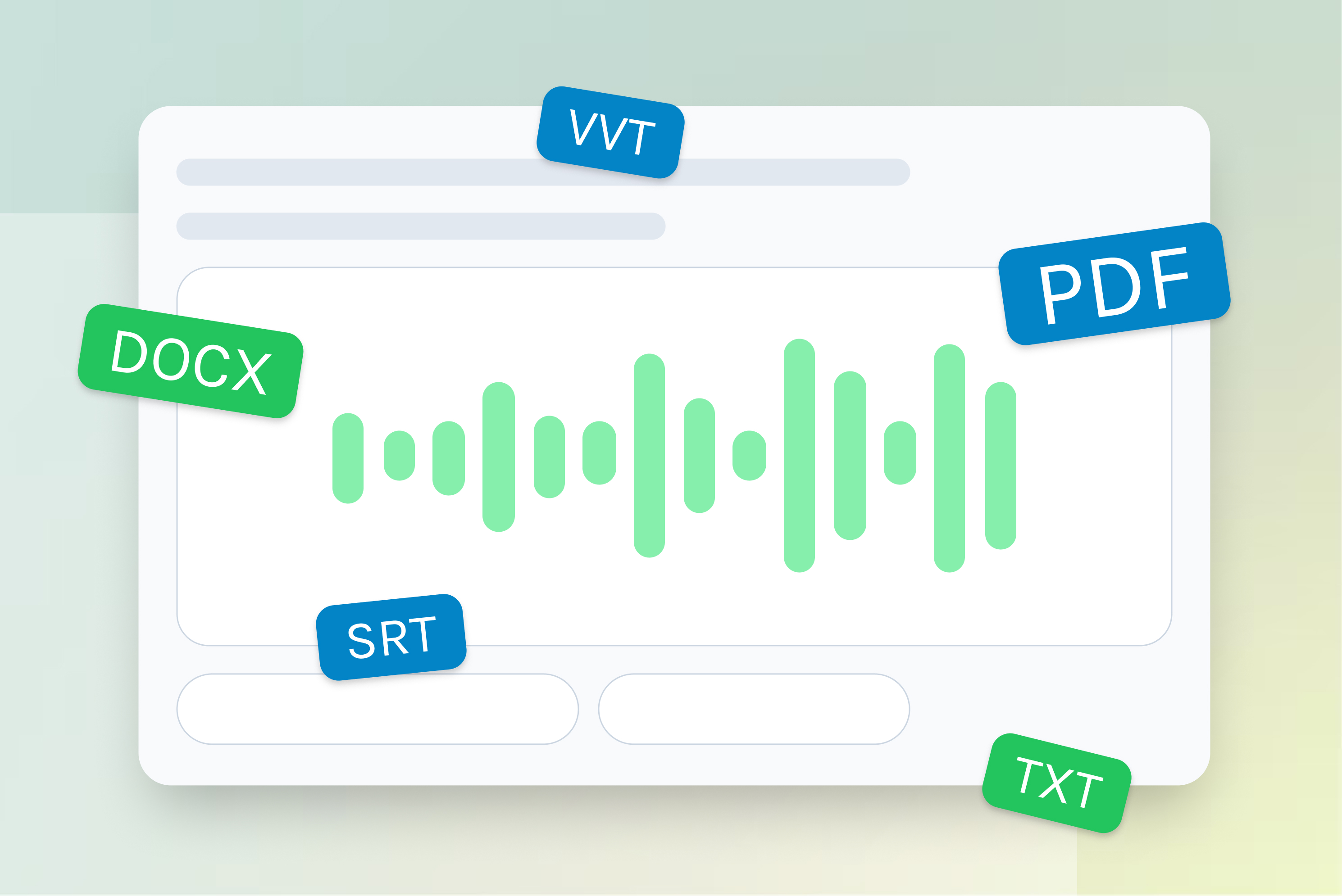
Export your transcripts in multiple formats
Download your texts in multiple formats, including DOC, PDF, TXT or create SRT subtitles.
Edit and share your transcripts without limits.
Start transcribing now!
With Voice2Text you get fast, accurate transcripts with no time limits.
Frequently Asked Questions